
Locate the "form builder" by searching in the "find rooms" search bar in the left hand navigation. Search for the form you wish to to add and image too, then click the pencil icon to edit and click"confirm".
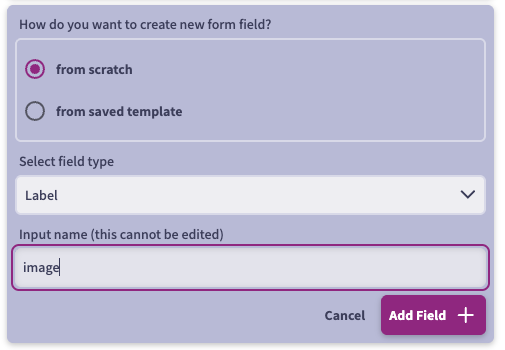
Within the form, scroll the the end of the page and in the center panel click “add a new form field”, and then “from scratch”. The field type will be “label” and input name should just be a one word name to identify the field (e.g. image.) Click "add field" and then "save."
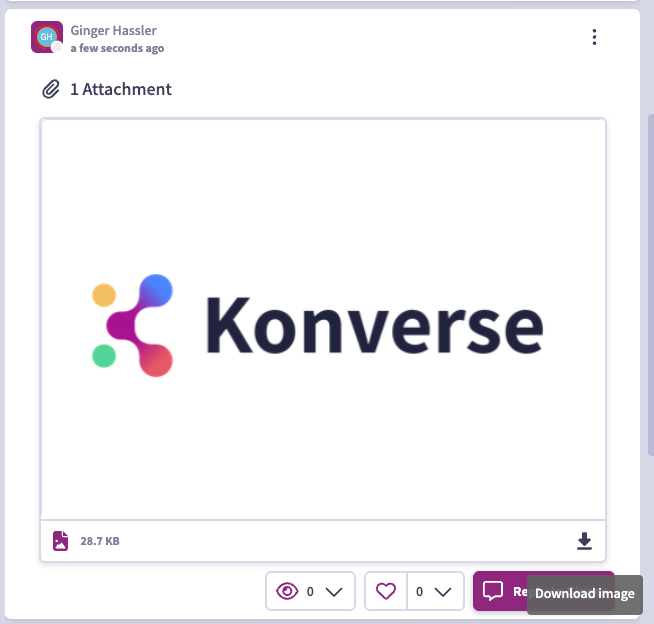
Next you'll need to add the image to your system to generate the link to input into the form. Create a private post to yourself, and add the image to the attachment field and publish. Once published, click on the icon in the lower right hand corner to download image:
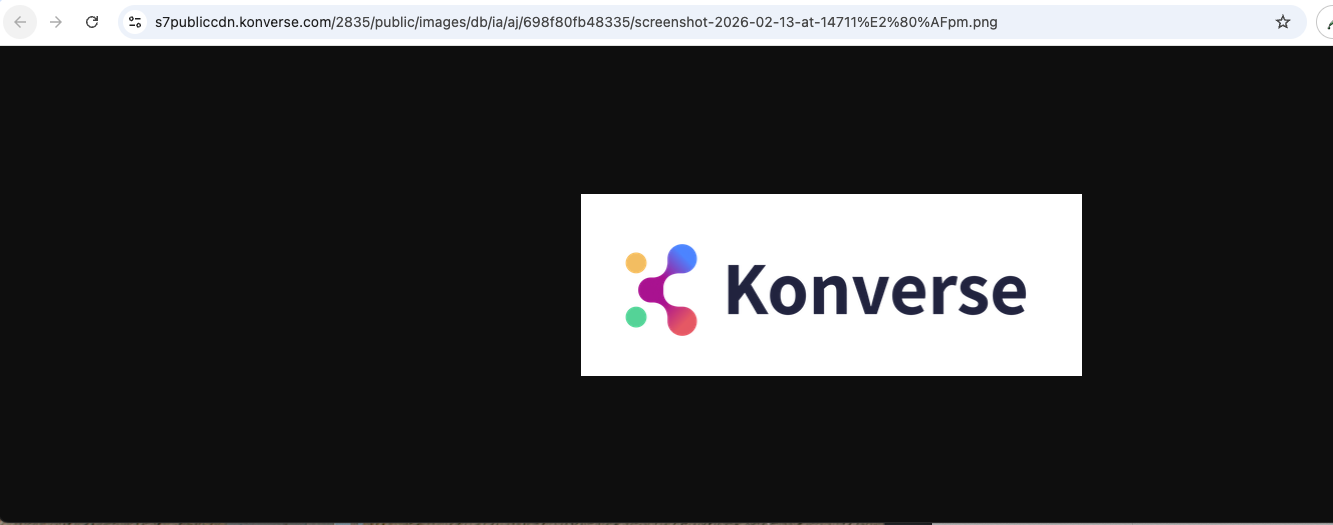
This will open a new browser, where you will then grab the URL from the image (https://s7publiccdn.konverse.com/2835/public/images/db/ia/aj/698f80fb48335/screenshot-2026-02-13-at-14711%E2%80%AFpm.png):

Copy this URL, and in word (or any tool where you can work with the URL) paste the URL and add the following before your URL: <html> <body> <img src="
and the following after your URL: " alt="Trulli" width=“500” height=“185”> </body> </html>
The full URL will now appear as:
<html> <body> <img src="https://s7publiccdn.konverse.com/2835/public/images/db/ia/aj/698f80fb48335/screenshot-2026-02-13-at-14711%E2%80%AFpm.png" alt="Trulli" width=“500” height=“185”> </body> </html>
Next you'll want to update the width of your image to match your original image. My original image is wider than 500 px (the max recommended width) so I've change the width on my image to 500 and it updated the height needed.
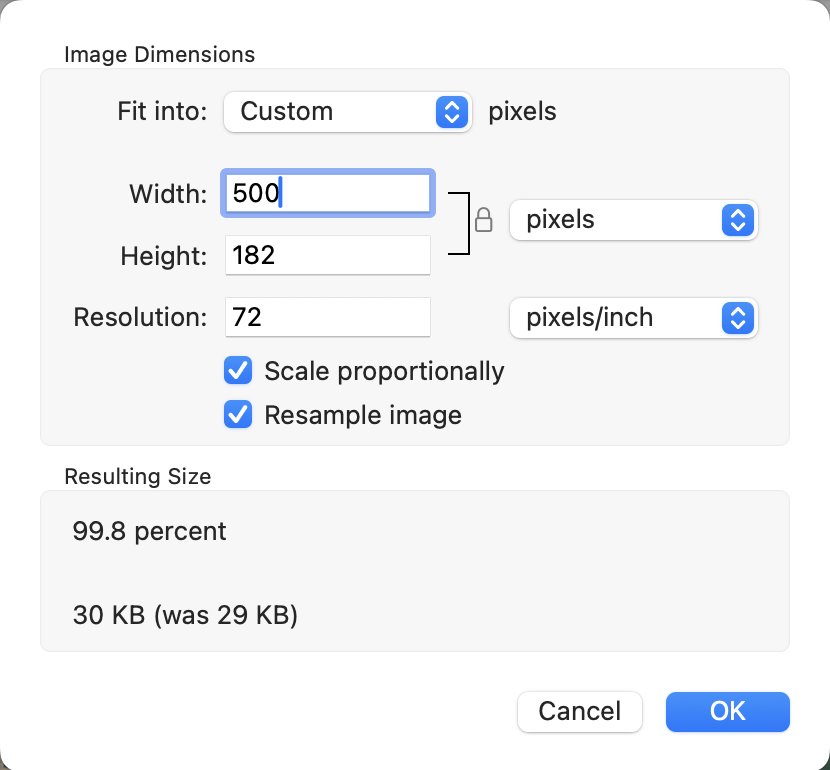
Now update your URL with the new width & height:
<html> <body> <img src="https://s7publiccdn.konverse.com/2835/public/images/db/ia/aj/698f80fb48335/screenshot-2026-02-13-at-14711%E2%80%AFpm.png" alt="Trulli" width=“500” height=“182”> </body> </html>
Copy this new URL and go back to your form. Find the new field, and enter the URL into the "input label" field:
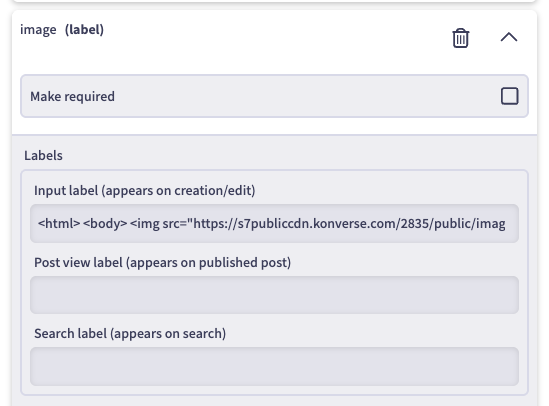
and "save". Your image is now viewable on your form!